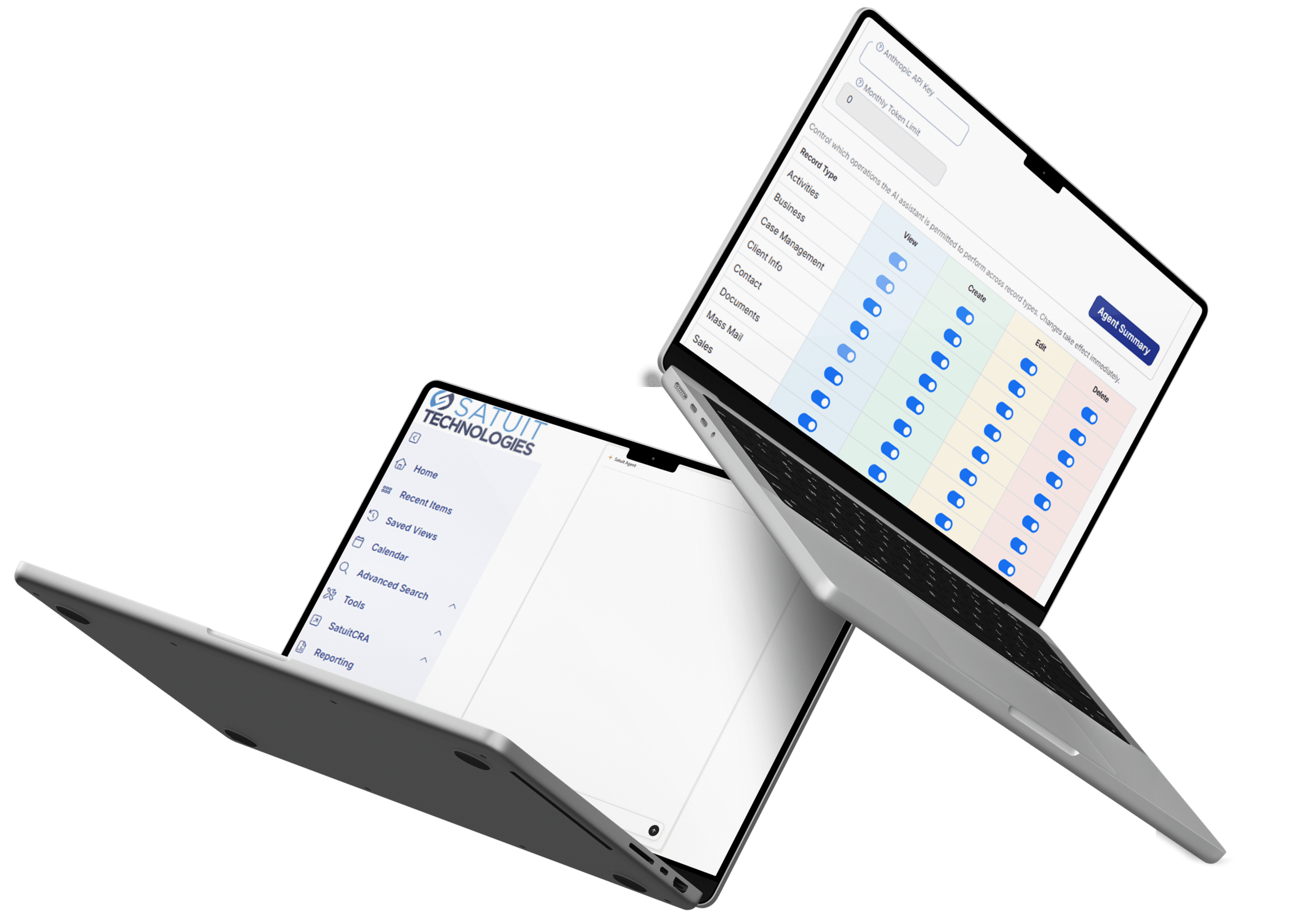
Introduced in Release 18.4, SatuitCRM’s MCP/AI layer connects your firm’s data to AI assistants and agents through the Model Context Protocol (MCP), an open standard for secure, permissioned AI access. Rather than exporting data to a separate AI tool or building a one-off integration, your CRM data stays where it lives, governed by the same permissions and audit controls your team already trusts.
Satuit Agent, the AI assistant built into your CRM, runs on this layer today.
The MCP/AI layer supports two ways to bring AI into your CRM, so your firm can choose the model that fits how you already work.
Both paths run through the same AI Configuration page, Rep Permissions diagnostics, and audit logging, so the security and oversight model doesn’t change based on which option a firm chooses.
Satuit-hosted AI
Satuit provides the AI directly, and usage runs on Satuit’s own tokens. This is the fastest way to get started. There’s nothing to set up on your end beyond enabling access, and usage is tracked and reported through the same token usage tracking and per-rep reporting built into the platform.
Connect your own AI platform
For firms that have already standardized on a specific AI provider, the Satuit API connects the MCP/AI layer to the AI platform your team already uses. Your firm’s existing AI relationship and usage stays in your own environment, while the MCP layer handles the secure, permissioned connection to your CRM data.
CONVERSATIONAL RECORD ACCESS
Users can look up contacts, businesses, activities, and other records, and create, update, delete, or move records through natural conversation. No report building or navigation required, just a question or an instruction. The assistant understands relative date references like “today” and “tomorrow,” and supports stop and cancel commands mid-conversation.
GRANULAR ADMIN CONTROLS
A dedicated AI Configuration page lets admins enable or disable AI access by record type, so firms can control exactly where AI is allowed to operate. A Rep Permissions diagnostic tool shows exactly which functions each role can reach, so nothing is exposed by accident, and conversation history is saved and restored across sessions for continuity.
ENTERPRISE-GRADE SECURITY
All AI interactions run through automatic HTML sanitization to prevent malicious content from rendering, and vault credentials stay hidden from debug and diagnostic views. Every AI-driven change is logged the same way any other CRM change is, giving compliance teams a consistent audit trail regardless of whether a record was updated by a person or by the assistant.
USAGE VISIBILITY
Token usage tracking and per-rep reporting give administrators a clear view into how AI features are being used across the team, with inline rate-limit feedback to keep usage predictable. A “Generate Ticket” button lets users escalate issues directly to support from within a conversation.
BUILT ON AN OPEN STANDARD
The Model Context Protocol is an emerging standard for how AI assistants and agents connect to external systems. Building on MCP instead of a proprietary framework is what makes both paths above possible: whether Satuit is hosting the AI or connecting to a platform your firm already uses, the underlying connection to your CRM data works the same way.
Who It's For
The MCP/AI layer is built for investment management firms that want the productivity benefits of AI without giving up the compliance posture their business depends on. If your team spends time on manual lookups, repetitive updates, or navigating between records to answer simple questions, Satuit Agent and the MCP/AI layer are designed to take that work off their plate while keeping every action auditable.
Satuit Agent is a paid, add-on feature available to firms on v18.4, and it requires the Satuit API to be enabled on your account, whether you use Satuit-hosted AI or connect your own AI platform.